The coloring studio for your memories
Their photo becomes their coloring page
Turn the dog, the cuddly toy or a holiday snapshot into a real page to print and color in.
The iOS app is in the works. No download link is available yet.
- No ads
- No account
- Print ready
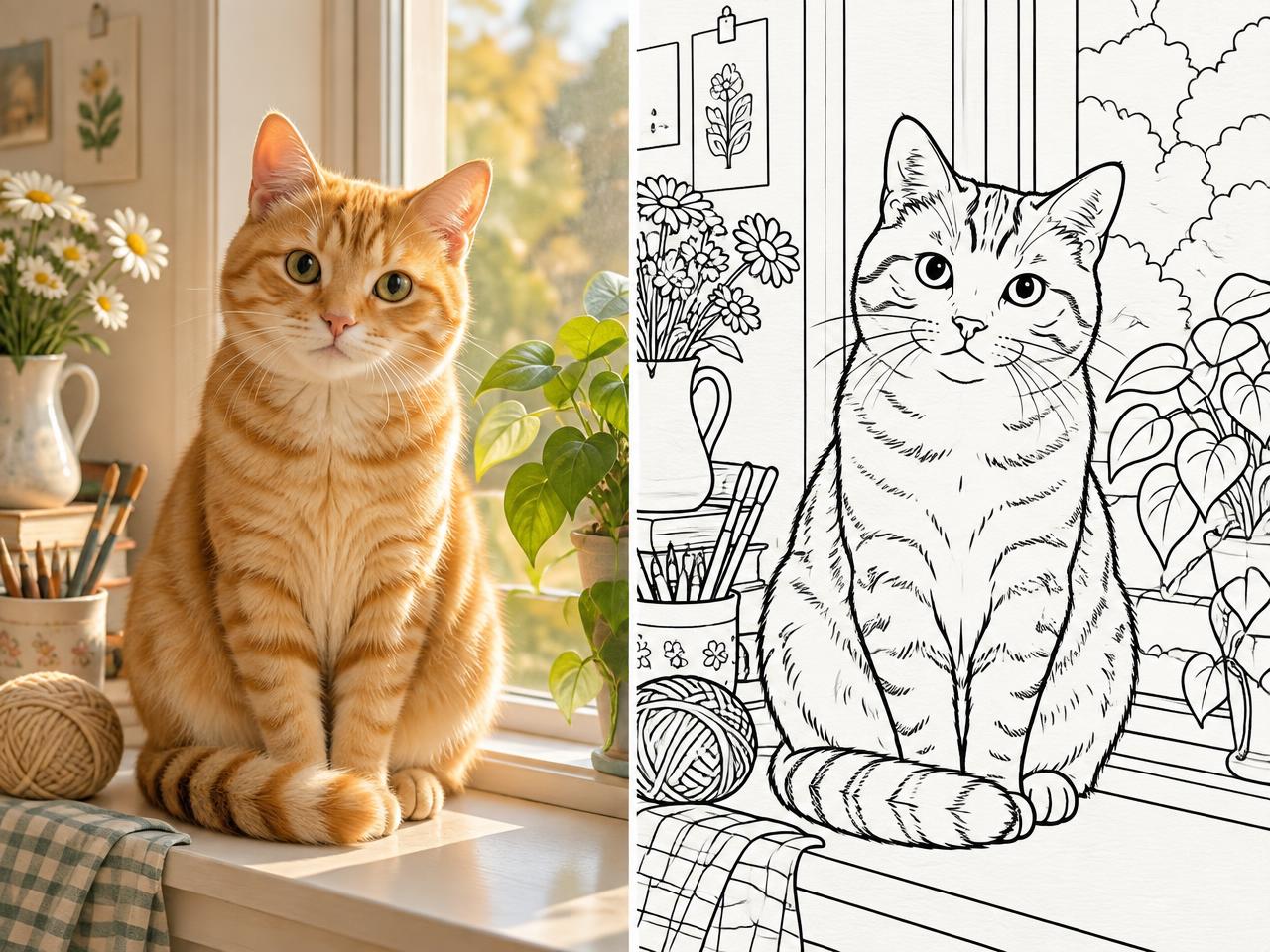
How it works
Three steps, and the drawing is ready on the table.
- 01
Pick a photo
The cat, the favorite cuddly toy, a holiday memory — whatever matters to your child.
- 02
Pick an age-friendly style
Chunky outlines for little ones, finer detail for older kids.
- 03
Print it or color on screen
An A4 sheet and pencils, or the coloring studio right inside the app.
What you get in the app
Everything you need to go from a memory to a page to color.
Built to be quick
The experience is designed to give you a coloring page in under a minute, depending on your connection and photo.
Two levels of detail
Chunky outlines for ages 4–6, finer and more detailed lines for ages 7–9.
Printing and HD PNG
Print on A4 or save a high-resolution image to reuse whenever you like.
51 ready-made coloring pages
A built-in catalog so you can start drawing right away, even without a photo.
On-screen studio
Fill, pencil, eraser and undo to color on iPhone or iPad.
PDF booklet
Gather several pages into a PDF to bind at home or give as a gift.
Local history
Your creations stay available in the app so you can reprint them later.
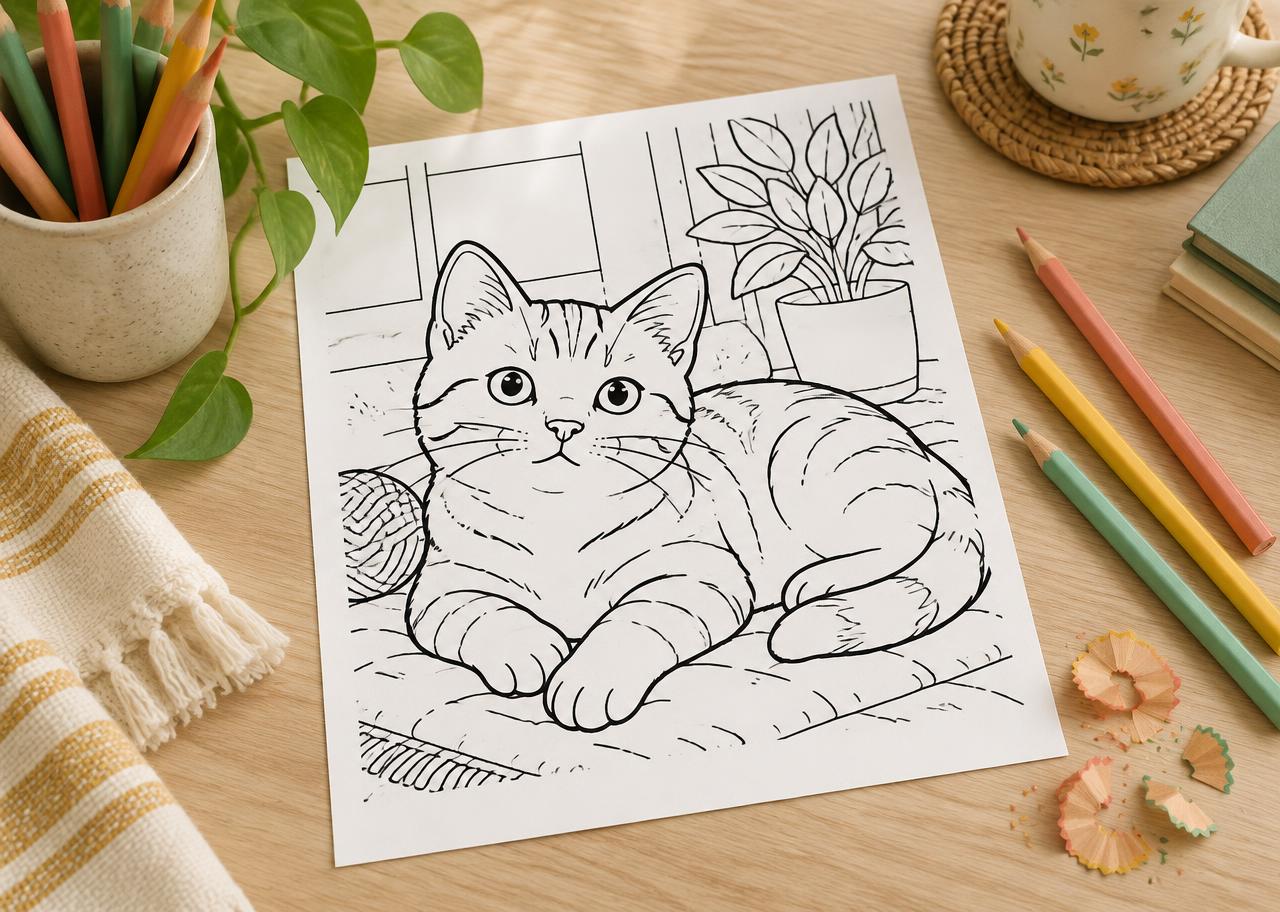
You print, they color
A real A4 sheet, real pencils, a moment away from screens.
Made for families
No advertising
No banners, no video ads, nothing to interrupt the coloring.
No account required
Open the app and start: no sign-up needed to create a coloring page.
Cancel your subscription anytime
Manage it from your Apple account settings whenever you want.
To create a coloring page, your photo is sent to a technical provider that handles the generation, as described in the privacy policy.
Frequently asked questions
What ages is MimiColor for?
The styles are designed for children roughly 4 to 9 years old: chunky outlines for ages 4–6, more detail for ages 7–9. An adult picks the photo and uses the app alongside the child.
Do I need a printer?
No. You can color directly on screen or save a PNG and a PDF. A printer is only needed if you want the paper version.
Can I use a photo from my phone?
Yes, that is the heart of MimiColor. Choose a photo from your library or take a new one, and the app turns it into a coloring page. The photo is sent to a technical provider for the generation.
Where can I find subscription and privacy information?
On the separate MimiColor legal site, which hosts the privacy policy, the terms and the end-user license agreement (EULA). The links are in the footer.